
Keep the Drive Comparison Report with the SoMove Handover
Saved configurations can leave the comparison evidence behind. Request an attributable SoMove output, its project pair and qualified disposition.
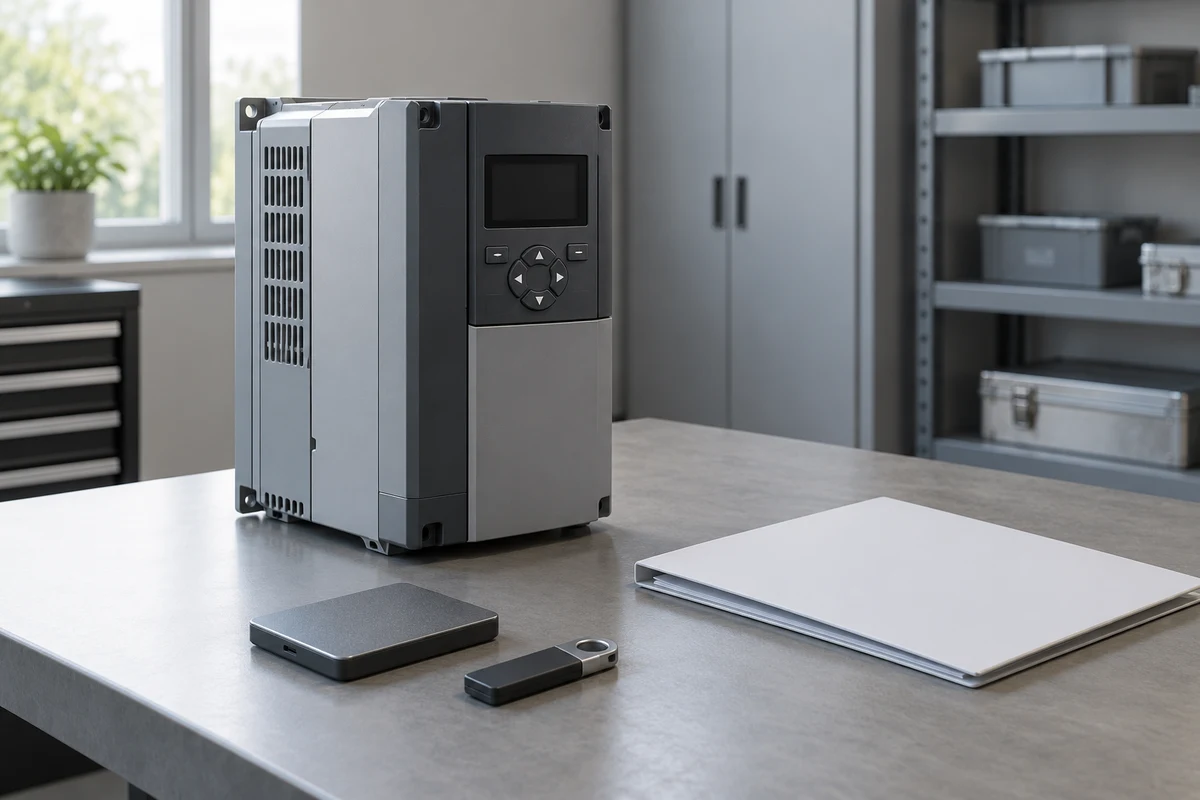
A drive comparison report handover should preserve the comparison that the supplier relied on, alongside the configuration projects it compared. If the agreed delivery includes a SoMove comparison for an applicable Altivar drive, two saved projects alone may leave that evidence missing. Ask for an attributable comparison output before marking the documentation requirement complete.
This is a document-review question for the buyer. It concerns the report, its two inputs and their relationship to the delivered drive. The supplier or a qualified, authorized provider remains responsible for preparing and interpreting technical evidence. No actual machine, order or supplied files have been assessed for this article.
Understand why the saved projects are insufficient
Schneider Electric documents that SoMove comparison information does not persist when a project is saved and reopened. It describes the comparison as a one-time result and says the comparison column belongs in printed or exported output. Its illustrated product is ATV320. That makes the comparison output a distinct handover item. Schneider Electric SoMove comparison reference
The page was checked on 13 October 2026 and does not establish behavior for every software release or drive family. Ask the provider to identify the SoMove version and applicable drive documentation used for the supplied packet. Keep that answer with the report rather than assuming a familiar application name settles applicability.
A controller backup, a drive configuration project and a comparison output answer different questions. The comparison requirement should name its own deliverable even if all three sit in one delivery folder. This avoids accepting a file inventory that looks complete while omitting the actual result promised by the supplier.
Establish which projects were compared
Give each input a clear identity and role. One may be the agreed reference configuration; the other may be described as representing the delivered drive. Ask the provider to identify the exact files or controlled revisions, explain which is the reference and associate the report with that same pair. A filename containing “final” is not sufficient provenance.
Schneider separately documents configuration capture from a drive to a PC and transfer in the other direction, including ATV320 among its listed products. A project described as a capture therefore needs its own origin record; the existence of a PC file does not establish what is on a delivered unit. Schneider Electric configuration-transfer scope
Request the supplier’s existing record of the unit reference, capture date, responsible provider and any reported changes between capture and delivery. If the input was prepared offline or came from a demonstration unit, preserve that description. Do not relabel it as a delivered-state capture to complete the register.
The comparison date and capture date also have separate meanings. A recent report could compare older projects. The buyer should be able to trace each date to the event it actually records, without inferring a fresh examination of the equipment.
Make the comparison output attributable
Use a compact evidence register to check the requested packet. These are editorial document-review fields, not a manufacturer-mandated report template or instructions for using SoMove.
| Evidence field | What the supplier should identify | Gap to keep visible |
|---|---|---|
| Actual drive reference | Exact product and delivered-unit association | Report refers only to a product family |
| Baseline project | File or revision and its agreed reference role | “Default” appears without an agreed basis |
| Delivered-state input | Project identity and documented origin | Capture is asserted without provenance |
| Compared pair | Both inputs linked to this output | Report cannot be matched to the supplied files |
| Comparison output | Dated, readable result with comparison content | Only the two projects were delivered |
| Difference disposition | Responsible technical review and open questions | Receipt is mistaken for acceptance |
Ask whether the supplied output covers the agreed comparison scope and whether any pages or portions were omitted. A cropped image may help identify an issue, but it should not silently replace the complete output required by the agreement. The provider should explain any limitation rather than leaving the buyer to infer what is absent.
Keep the original report and the provider’s explanation together. A coordinator can record a difference as awaiting review without deciding whether a numerical setting is suitable. If terminology is unclear, ask for a plain-language disposition linked to the original report entry.
Keep comparison eligibility separate from equipment suitability
Schneider’s ATV320 example allows comparison within that device type despite differences such as firmware, voltage class, rating, options or power; it excludes comparisons between different drive families in the described feature. SoMove comparison applicability
Accordingly, the buyer should not treat the ability to compare two projects as evidence that their hardware or configurations are interchangeable. Ask why the chosen baseline is appropriate for this particular delivery. If it belongs to another product variant, the responsible technical reviewer must explain the relevance and any limitations.
Likewise, the number of reported differences does not supply an acceptance rule. A report with no differences still needs the correct inputs and an agreed technical basis. A report with differences needs their qualified disposition; the buyer should not ask for settings to be changed merely to make the report look uniform.
Resolve a missing report without rewriting its history
Consider a fictional ATV320 delivery. The supplier says a comparison showed the agreed differences, then supplies two saved SoMove projects. The buyer’s reviewer finds no separate comparison output. Both projects are present, but the promised comparison evidence remains unaccounted for.
The clarification request should identify the missing item: the attributable output, its compared project pair, the comparison date and the provider’s explanation of the differences. Ask whether the original output exists. This request does not require the buyer to connect to the drive or perform any configuration work.
Suppose the original output was not retained. A later comparison prepared by the authorized provider may help resolve the evidence gap, but it should carry its actual date and identified inputs. It cannot silently become proof of what a previous comparison showed. Ask the responsible reviewer whether the later evidence satisfies the agreed handover requirement.
If the provider cannot establish which input represented the delivered drive, record that as a separate unresolved provenance issue. Supplying a readable report closes the missing-output question only when its relationship to the agreed inputs is also established.
Close the document requirement at its actual scope
A useful closing note identifies the drive, both project references, the comparison output and the technical review outcome, including unresolved differences. Keep “evidence received” separate from the responsible specialist’s acceptance. Neither status by itself authorizes machine use or establishes system safety.
An independent buying agent can coordinate the supplier’s document response within an agreed sourcing scope. Technical interpretation belongs with the qualified provider and applicable manufacturer documentation. For the wider purchasing context, see CNC controllers and drives.
Start a CNC quote request with a supported product link, description or product images. The form accepts up to five PNG, JPEG, WebP or GIF images, at most 10 MiB each and 20 MiB total. Identify any technical-file exchange that needs separate authorization; the image field does not accept configuration projects, CAD, PDF or ZIP files.
Frequently asked questions
Do saved SoMove projects include the comparison information?
Schneider documents non-persistent comparison information for the described SoMove feature. Request the separate comparison output and confirmation of applicability to the supplied version and drive.
What identifies a useful drive comparison report?
The output should be linked to both compared project references, their roles, the applicable drive, the comparison date and the provider’s review. A claimed delivered-state input also needs attributable provenance.
Does a report with no differences approve the delivered drive?
No. The correct inputs, their relevance to the delivered unit and qualified technical acceptance still need to be established. Report receipt does not authorize machine use.
What if the supplier did not retain the original comparison output?
Ask whether an attributable later report can satisfy the agreed requirement. Preserve its actual date and inputs; it must not be presented as a surviving record of the earlier comparison.
Sources
Discuss a sourcing request related to this article.Keep the Drive Comparison Report with the SoMove Handover