
Buying a Used CNC Router with VCarve or Aspire: Verify the Licence Transfer
Check seller, machine-bundle and upgrade history before valuing VCarve or Aspire in a used-router offer, then obtain a transaction-specific publisher answer.
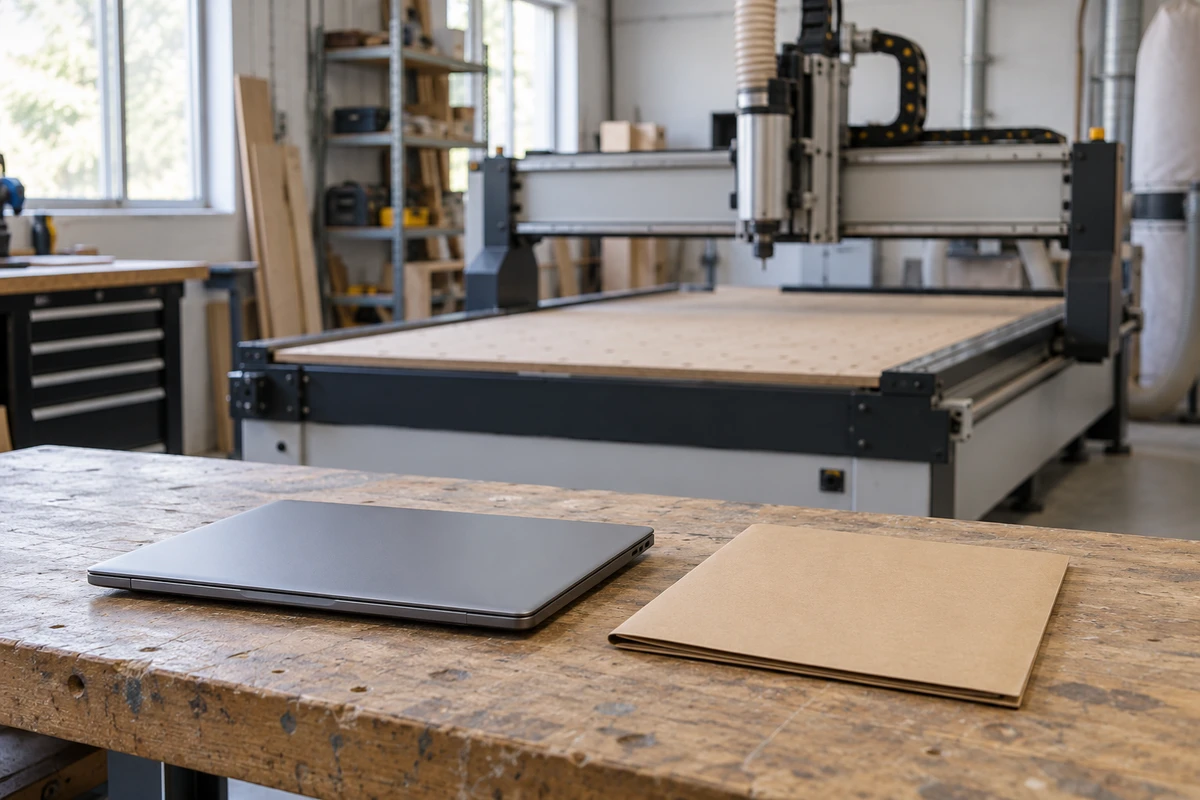
When a used CNC router is advertised with VCarve or Aspire, establish whether the offered licence can accompany that particular sale before assigning value to the software bundle. The installed program’s name tells you what the seller has shown. The licence’s purchase, transfer and upgrade history determines which question needs to go to Vectric.
Check VCarve licence-transfer eligibility before treating the software as a usable asset included with the router. If the publisher has not confirmed the proposed transaction, keep the software portion conditional and compare the machine with a separate-licence budget alternative. This article describes published vendor policy and purchasing choices, not legal advice or a determination of statutory rights.
Ask what “VCarve included” actually promises
Have the seller identify the exact product, edition and version being offered. Distinguish a licence deliverable from a computer with software already installed, installation media, training files or a collection of CAM projects. A photograph showing the application open does not establish what the buyer will be entitled to receive.
Ask whether the seller intends to include the software licence in the machine price, offer it as a conditional addition or retain it. Write that answer into the offer. Otherwise two parties can agree on a router price while holding different expectations about the CAM software beside it.
Keep CAM compatibility and machine condition in their own review. A transferable licence would not establish that a suitable post processor is included or that the router meets the buyer’s job requirements. Conversely, a convincing machine demonstration cannot settle who is entitled to use the software after the sale.
Reconstruct the licence’s acquisition route
Request the history relevant to eligibility: direct purchase from Vectric or an authorized partner, acquisition by transfer from a previous holder, or supply as a bundle with the machine. Ask whether the seller is the original purchaser and whether the licence has already changed hands. Record an unknown answer as unknown rather than choosing the most favorable route.
Vectric’s published policy provides a conditional transfer route for an original single-user purchaser and generally excludes another transfer by a subsequent holder. It describes a distinct same-machine route for licences originally bundled by an approved partner. It also excludes educational classroom licences. Prospective used-licence buyers are directed to contact Vectric before purchase. Vectric licence-transfer FAQ
For a claimed machine bundle, connect the software history to the exact router being sold. Request available original bundle records, the machine reference and subsequent sale history relevant to that connection. A seller owning both a router and a software licence does not itself establish that the licence was originally bundled with that router.
Do not turn this inquiry into a request for the seller’s password or a copy of activation secrets. The seller can supply the relevant history through Vectric’s authorized process. The buyer needs a publisher response addressing the transaction and the conditions for completion, with sensitive account information kept outside the general equipment inquiry.
Resolve upgrades before naming the deliverable
Ask whether the licence has been upgraded to another version or another product, and whether the sale description names the product that remains available for the proposed transfer. Keep the seller’s original purchase record and subsequent upgrade history connected; an older invoice on its own may describe an earlier entitlement.
Vectric explains that superseded version rights and a product traded in for an upgrade cannot be transferred independently as though they remained separate licences. Its machine-bundle section also addresses upgraded products and accompanying original media. Ask Vectric which entitlement and materials the actual transaction requires, rather than assuming an old VCarve copy can be sold separately after an Aspire upgrade. Vectric upgrade and transfer conditions
If the seller’s advertisement and its records disagree, ask it to correct the offer after the publisher has answered. Avoid valuing two apparent software items when the evidence may concern one upgraded entitlement. Any required media or document should appear as a named deliverable, without treating possession of that item as transfer approval.
Compare two fictional routers with the same headline
Suppose Router A and Router B both advertise “VCarve included.” Router A’s seller says its licence was transferred separately from an earlier holder. Router B’s seller says its licence came in the original approved-partner bundle with the same router now being sold. These are invented purchase histories, not real offers or approvals.
For A, send the previous-transfer history to Vectric and ask whether the proposed onward transfer is eligible. Keep the equipment offer separate from that unanswered entitlement. The buyer may need to evaluate A as a machine-only purchase with its own CAM acquisition, rather than negotiating over an assumed included licence value.
For B, ask the seller to substantiate the original same-machine bundle and disclose upgrades. Request Vectric’s answer about this machine, licence and buyer transaction. The distinct bundle route gives the inquiry a different basis; it does not guarantee approval merely because the seller used the word “bundle.”
If B’s documents later identify another router, the relevant connection is unresolved. If A’s seller later finds original bundle evidence for the same machine, submit the revised facts rather than relying on the earlier description. The decision follows the documented history and publisher response, not the listing’s headline or the buyer’s preferred outcome.
Give the buyer three explicit offer choices
The first choice is a machine offer with a publisher-confirmed transfer path and specified completion conditions. State who initiates the authorized process, which software is covered, what evidence the buyer will receive and which actual quoted charges belong to whom. A favorable eligibility reply may still leave completion outstanding; retain that distinction.
The second is a conditional software bundle. The buyer and seller need to agree what happens to the proposed scope if confirmation or completion is unavailable. Ask them to state the commercial decision, such as a revised machine-only offer for review, rather than assuming a discount, refund or cancellation right that has not been agreed.
The third is a machine-only offer in which the buyer arranges its own software. Obtain a current separate offer for the required product through an appropriate source before closing the budget comparison. Do not insert a remembered transfer fee or licence price into the equipment total, and do not claim this buying-agent site is an authorized Vectric reseller.
These choices allow the buyer to compare actual scope. They avoid treating an unanswered licence question as either a guaranteed inclusion or proof that the entire machine must be rejected.
Retain the transaction answer with the handover
Keep one concise record containing the software identity, acquisition route, prior-transfer history, same-machine bundle reference where applicable, upgrade history and Vectric’s reply. Add the responsible party, agreed charges from the real offer and any completion evidence still outstanding. Preserve the reply’s date and conditions so a later buyer does not mistake an earlier transaction’s outcome for standing approval.
If the seller proposes sharing its account instead, return to the publisher’s permitted transfer process. Account access does not substitute for an approved licence deliverable. If confirmation cannot be obtained, keep the software scope unresolved or ask for the machine-only alternative the buyer has chosen to consider.
Our role as an independent buying agent is to make the equipment offer and unresolved supplier questions clear. Read the broader used-versus-new CNC comparison for machine-level purchasing context, or review CNC controllers. Start a CNC quote request with the listing and a description of the claimed software inclusion. Share only relevant product information; publisher account details and transfer handling belong in the authorized publisher process.
Frequently asked questions
Can a used CNC router automatically include its VCarve licence?
No automatic entitlement should be assumed. Identify the exact software and its purchase, transfer, bundle and upgrade history, then obtain Vectric’s answer for the proposed transaction before treating the licence as a confirmed inclusion.
Does a previous licence transfer always settle the next sale?
Vectric generally excludes an onward transfer by a subsequent holder but describes a distinct route for eligible licences originally bundled with the same machine. Submit the actual history to Vectric; neither the listing nor this summary grants approval.
Can a seller include an old VCarve licence after upgrading to Aspire?
Ask Vectric to identify the entitlement that remains available. Its published policy does not treat the product traded in for an upgrade as a separate transferable licence. Have the equipment offer name the publisher-confirmed deliverable.
What should the budget show while transfer eligibility is unresolved?
Keep the software inclusion conditional and compare a machine-only alternative with a current separate-software offer. Agree the actual commercial consequences with the seller instead of inventing a fee, discount or refund right.
Sources
Discuss a sourcing request related to this article.Buying a Used CNC Router with VCarve or Aspire: Verify the Licence Transfer